
10 Best Porn Blockers in 2026
Best porn blocking apps & app blockers
ALL TOPICS
- Ways to Block Porn
- Block Porn Sites
- Block Porn Tips

Oct 21, 2026 Filed to: Block Porn Proven solutions

If you want to limit your child's exposure to sexually explicit websites, porn-blocking apps can help. The right option depends on the device, the browsers your family uses, and whether you need website filtering, app restrictions, or screen-time rules. Below are 10 tools to compare, including free-to-download apps, limited free options, trials, and paid subscriptions. No filter blocks every explicit page, so combine technical controls with age-appropriate conversations.
10 Porn Blocking Apps to Compare in 2026
Before choosing a porn blocker, check what is actually free. A free download or trial is not the same as permanent free filtering. Also check iPhone versus Android support and whether the filter works in Safari, a dedicated browser, or across supported apps. The options below vary in coverage, pricing, and parental-control features.
- 1.FamiSafe Porn Blocker

- 2. Norton Family Parental Control
- 3. Safe Surfer Porn Blocker Android App
- 4. OurPact Porn Blocking App
- 5. Kidslox Porn Blocking App
- 6. xBlock Porn Blocker
- 7. Spin Safe Browser
- 8. SecureTeen Parental Control
- 9. Porn Block Plus
- 10. Anti Porn App
- What Else Can FamiSafe Help Parents Manage?
- Conclusion
1. FamiSafe Porn Blocker [Recommended]
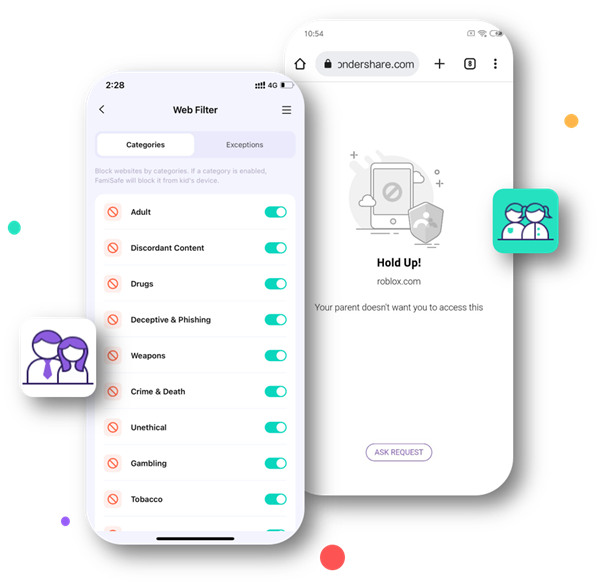
FamiSafe is a parental-control app for families that want website filtering alongside app blocking and screen-time rules. Parents can set restrictions on a child's enrolled device and use supported content-detection features. Availability varies by operating system and permissions. FamiSafe offers a free trial, but full access is subscription-based.
- Use SafeSearch features to reduce explicit results on supported search engines.
- Set website restrictions and custom rules for content you want to limit.
- Manage supported app and website access on an enrolled child device.
- Use web filtering to limit access to adult websites; coverage varies by browser and device.
- Review activity and supported safety alerts, depending on the system and permissions.
- Use supported social app detection for potentially concerning content or keywords.
- Get notifications about potentially explicit images where the feature is supported.
- Web Filter & SafeSearch
- Screen Time Limit & Schedule
- Location Tracking & Driving Report
- App Blocker & App Activity Tracker
- YouTube & TikTok History Monitor & App Blocker
- Social Media Texts & Porn Images Alerts
- Works on Mac, Windows, Android, iOS, Kindle Fire, Chromebook
2. Norton Family
Norton Family combines web supervision, search supervision, time rules, and activity reports. It is available for supported Windows, Android, and iOS devices, although controls differ by platform. Norton currently offers a time-limited trial rather than unlimited free access.
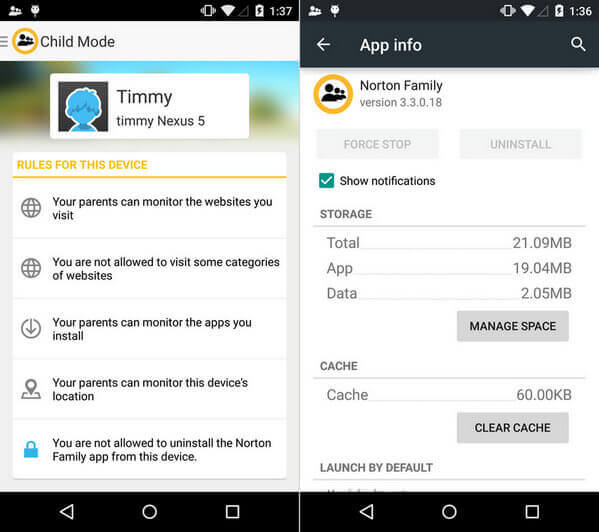
- Website supervision can help block or flag unsuitable sites.
- Search supervision offers filters for explicit results on supported services.
- Includes time rules and activity reporting; feature availability varies by device.
- Supports Windows, Android, and iOS, with different capabilities on each system.
3. Safe Surfer Porn Blocker
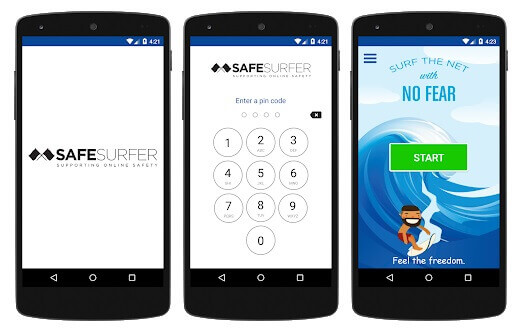
Safe Surfer focuses on filtering adult websites and other harmful categories. It offers protection for compatible devices and home networks. Its family plan includes a limited trial followed by a subscription, so it should not be listed as a permanently free Android porn blocker.
- Filter adult websites and other configured content categories on supported devices.
- Choose categories and manage filtering preferences on eligible plans.
- Trial available; the family protection plan requires payment.
- Check the current supported OS and installation requirements before setup.
4. OurPact Porn Blocking App
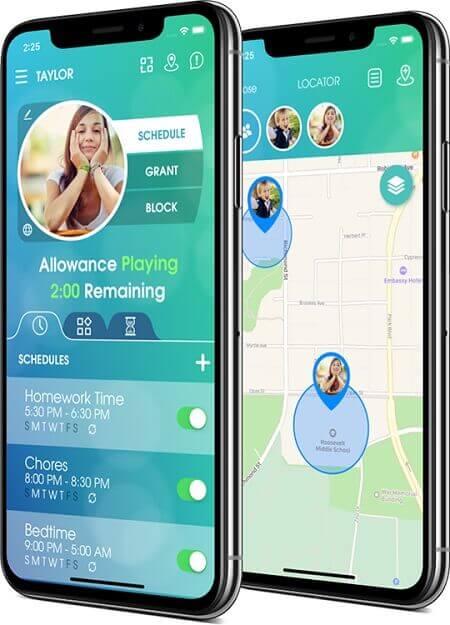
OurPact combines screen-time scheduling, app controls, and website restrictions for families. Its Block Adult Content and Smart Web Filter features are included in eligible paid plans rather than the basic free tier. Check device-specific setup requirements before choosing it for a child's phone.
- Block adult websites through the eligible paid Web Filter feature.
- Set app schedules and screen-time boundaries.
- Create website allowlists and blocklists on supported plans.
- Supports eligible Android and iOS devices; setup differs by platform.
5. Kidslox Porn Blocking App
Kidslox parental control offers web filtering, screen-time limits, app blocking, and location tools for supported Android and iOS devices. It offers trial access, while ongoing parental-control features depend on a paid plan. Device controls and anti-removal protections vary by platform and configuration.
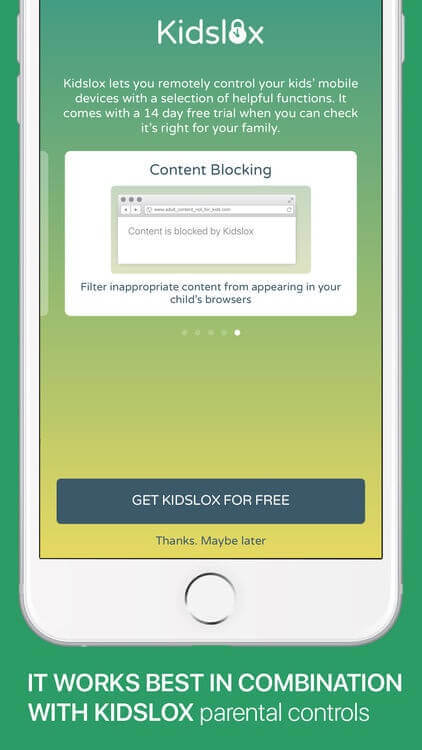
- Block inappropriate sites using built-in web filtering and custom rules.
- Add screen-time schedules and controls for selected apps.
- Anti-removal protections depend on permissions and device settings.
- Supports Android and iOS; verify plan details for advanced monitoring.

Try for Free on Google Play and App Store!
Check current plans and included features before subscribing.
- Web Filter & SafeSearch
- Screen Time Limit & Schedule
- Location Tracking & Driving Report
- App Blocker & App Activity Tracker
- YouTube History Monitor & Video Blocker
- Social Media Texts & Porn Images Alerts
- Works on Mac, Windows, Android, iOS, Kindle Fire, Chromebook
6. xBlock Porn Blocker
xBlock is a paid Safari-focused porn blocker for iPhone and iPad. It aims to restrict explicit websites in Safari, not every browser or app on the device. The US App Store currently lists it as a one-time purchase; check the store for the price in your region.
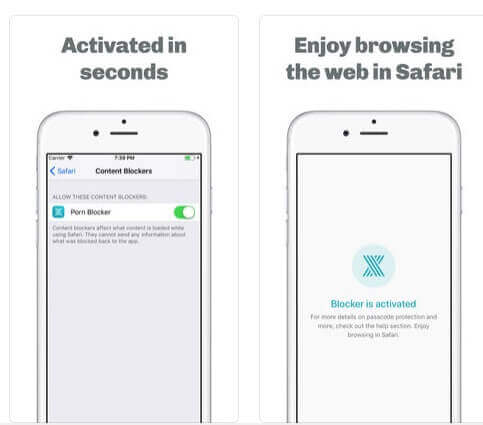
- Focused on blocking explicit websites in the Safari browser.
- Uses Safari content blocking together with device-level Screen Time options.
- Not designed as a system-wide filter for all mobile apps and browsers.
- Paid iPhone and iPad app; confirm current device requirements in the App Store.
7. Spin Safe Browser
SPIN Safe Browser is an Android and iOS browser with built-in adult-content filtering and SafeSearch. It is useful when you want safer browsing without configuring a separate web filter, but its protection primarily applies when browsing through SPIN. Additional managed or customizable options may cost extra.
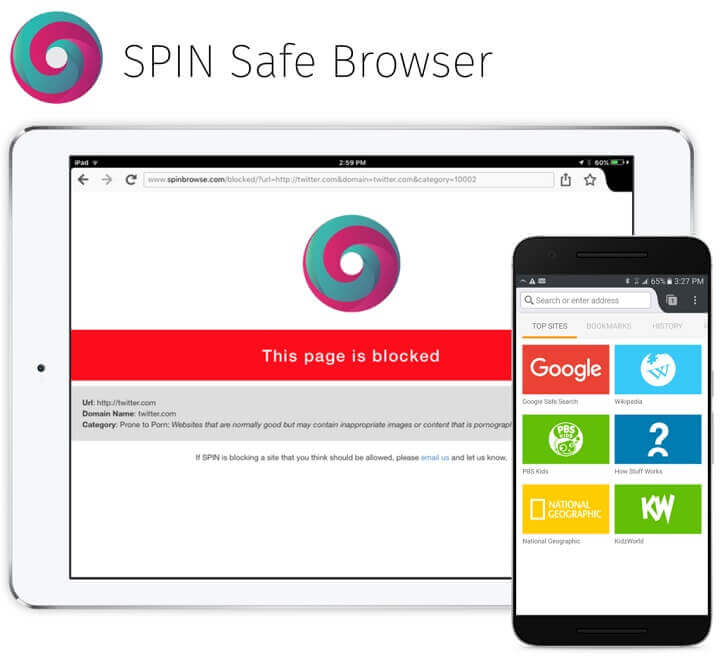
- Automatic adult-site filtering inside the SPIN browser.
- Forces safer search results on supported search engines.
- Basic browser available without a paid family subscription.
- Available for supported Android and iOS devices.
- For broader protection, combine a safe browser with device restrictions.
8. SecureTeen Parental Control
SecureTeen advertises adult-content web filtering, app controls, and screen-time rules for families. Its official website promotes trial access; check the current supported devices, permissions, and subscription terms before relying on a particular feature.
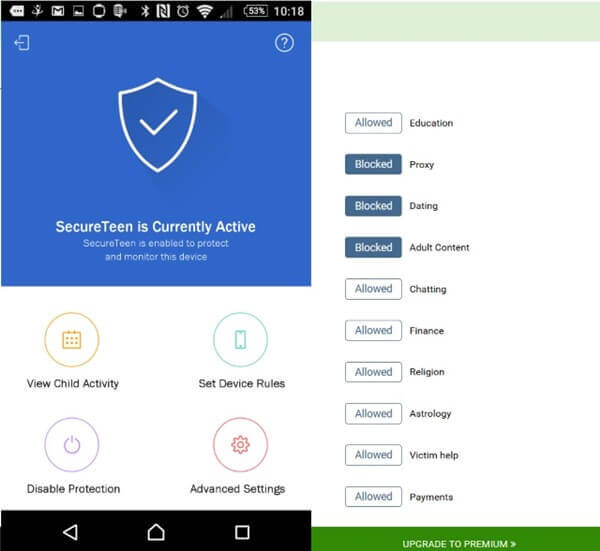
- Advertises web filtering to restrict adult and violent content.
- Offers app and screen-time controls on eligible devices.
- Provides online activity reporting where supported.
- Verify current operating-system support on the developer website.
9. Porn Block Plus
Porn Block Plus is an iPhone and iPad app that focuses on blocking adult websites in Safari. It can be downloaded for free, but offers in-app purchases and subscriptions. It does not claim to block every explicit page or cover every mobile browser.
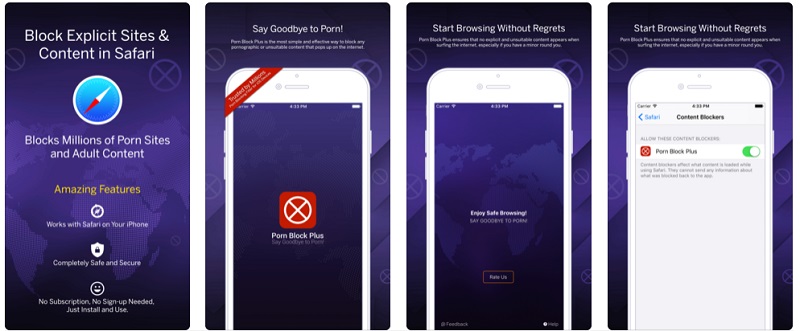
- Focuses on filtering explicit websites in Safari.
- Offers Safari content-blocking and custom controls.
- Free to download; additional features may require a subscription.
- Check the current iOS requirements in the App Store.
10. Anti Porn App
Older lists use the name “Anti Porn App” for Android content-blocking tools, but the original article does not identify a developer or current store listing for this specific product. Treat this as a historical reference until the exact app and its availability can be verified. Do not assume it is free or compatible with current Android versions.
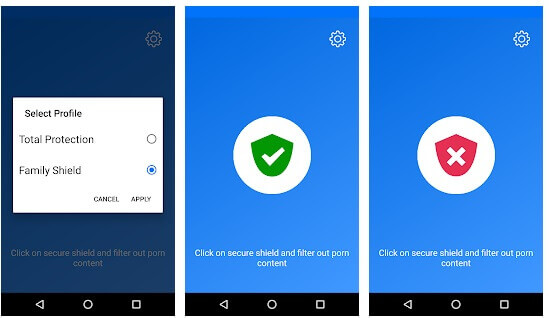
- Specific “Anti Porn App” listing could not be confirmed.
- Verify the publisher and official store listing before downloading.
- Do not assume a permanent free plan without verifying the current offer.
- Compatibility with modern Android versions has not been confirmed.
What Else Can FamiSafe Help Parents Manage?
Of these options, FamiSafe combines website filtering on a child's device with broader parental controls. The added value is the ability to set family screen-time rules, manage selected apps, and review supported activity or safety signals. It is not a guarantee that all explicit content will be blocked, and its features vary by device.
- Offer website and app blocking options where supported, including blocking Pornhub on devices.
- Detect potentially explicit images in supported galleries and alert parents when enabled.
- Use location and geofencing alerts on enrolled devices, when location permissions are granted.
- Set screen-time schedules for schoolwork, sleep, and offline activities.
- Review supported app usage reports and activity insights.
- Standard setup does not require rooting or jailbreaking supported devices.
- Use social app safety detection on supported services and operating systems.
Try for Free on Google Play and App Store!
Check current plans and included features before subscribing.
- Set Screen Time & App Rules
- Capture Instant or Scheduled Screenshots
- Web Filter & Safe Search
- Location Tracking & Driving Report
- App Blocker & App Activity Tracker
- YouTube History Monitor & Video Blocker
- Social Media Texts & Porn Images Alerts
- Available on Multiple Platforms
Archived FamiSafe User Comments (2023)
“The suspicious photos detecting feature is so easy to use and I don’t need to check my child’s phone physically. Amazing it is!” --Branch English, July 30, 2023. (Archived user comment; not independently verified.)
“When I was notified by the suspicious photos detecting feature about pornographic content on my son’s phone, I tutored him right away and I am glad I tried this app.” --Flores Griffith, July 29, 2023. (Archived user comment; not independently verified.)
“To block pornographic and other age-inappropriate content from my child’s phone, I use the website filtering in FamiSafe and it works great!” --Hatfield Mayle, July 25, 2023. (Archived user comment; not independently verified.)
Try for Free on Google Play and App Store!
Check current plans and included features before subscribing.
- Web Filter & SafeSearch
- Screen Time Limit & Schedule
- Location Tracking & Driving Report
- App Blocker & App Activity Tracker
- YouTube History Monitor & Video Blocker
- Social Media Texts & Porn Images Alerts
- Works on Mac, Windows, Android, iOS, Kindle Fire, Chromebook
Conclusion
The best adult site blocker apps depend on whether you need a free browser, a paid Safari filter, or a parental-control suite. First check the free versus paid limits and device support, then test the filtering on the browsers and apps your child uses. If you want practical setup advice, see how to block adult websites on a phone. Review restrictions with your child and adjust them as their needs change.
Thomas Jones
chief Editor